
Last week a customer reminded us why computers need regular checkups and backups. Like your own health, a computer can show symptoms that go unnoticed unless someone experienced knows what to look for.
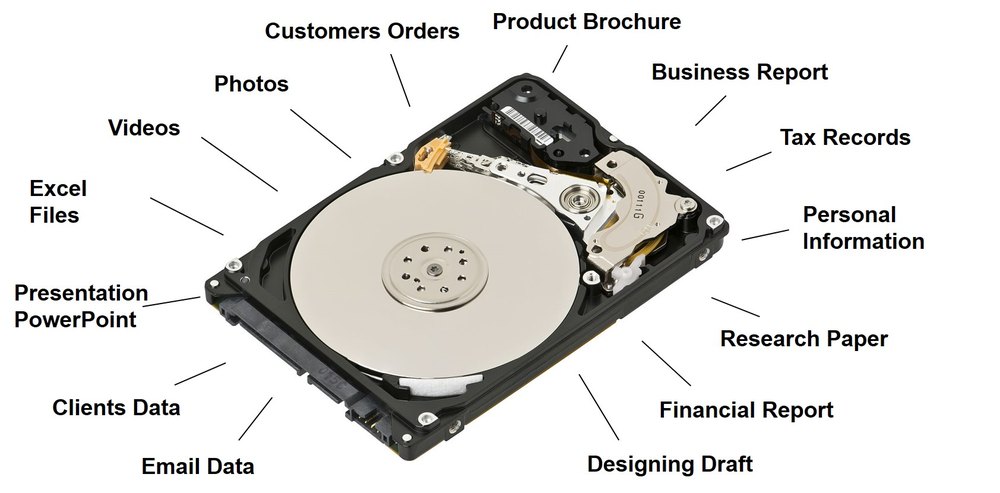
The Warning Sign
This customer received a basic notification about the health of his hard drive. The hardware scan tool he used said only “failed,” yet the drive was still working, so we dug deeper.
What We Found
The drive had spent nearly seven years powered on in an always-on media server. Some drives are built and tested for that kind of duty, with a rated mean time between failure (MTBF) of 1,000,000 hours. This one was a good brand-name performance desktop drive, but it was not designed for continuous use, and diagnostic tools showed it was at the end of its life.
What We Did
First we copied as much data as possible off the drive, which required repairing some sectors. Then we retired it for good and installed a new professional NAS drive suited to his server. That drive carries a 1,000,000-hour MTBF rating, which works out to well over 100 years. We have never seen a drive need to run that long, but it gives everyone peace of mind.
Two Things He Did Right
- Monthly health checks. The tools we installed alerted him at the first sign of trouble instead of after a complete failure, so recovery took only a little effort.
- A sensible backup strategy. His data was not mission-critical, so he ran weekly and monthly backups. He had been lax about the weekly one, but the monthly copy on an external drive was good. Because most of those files rarely change, he would have been fine even if we had needed to go back a month.
Need a system checkup or backup plan? See our backup and recovery services.